 Get the plugin
The remove.bg plugin for Photoshop is going away. Your workflow doesn't have to.
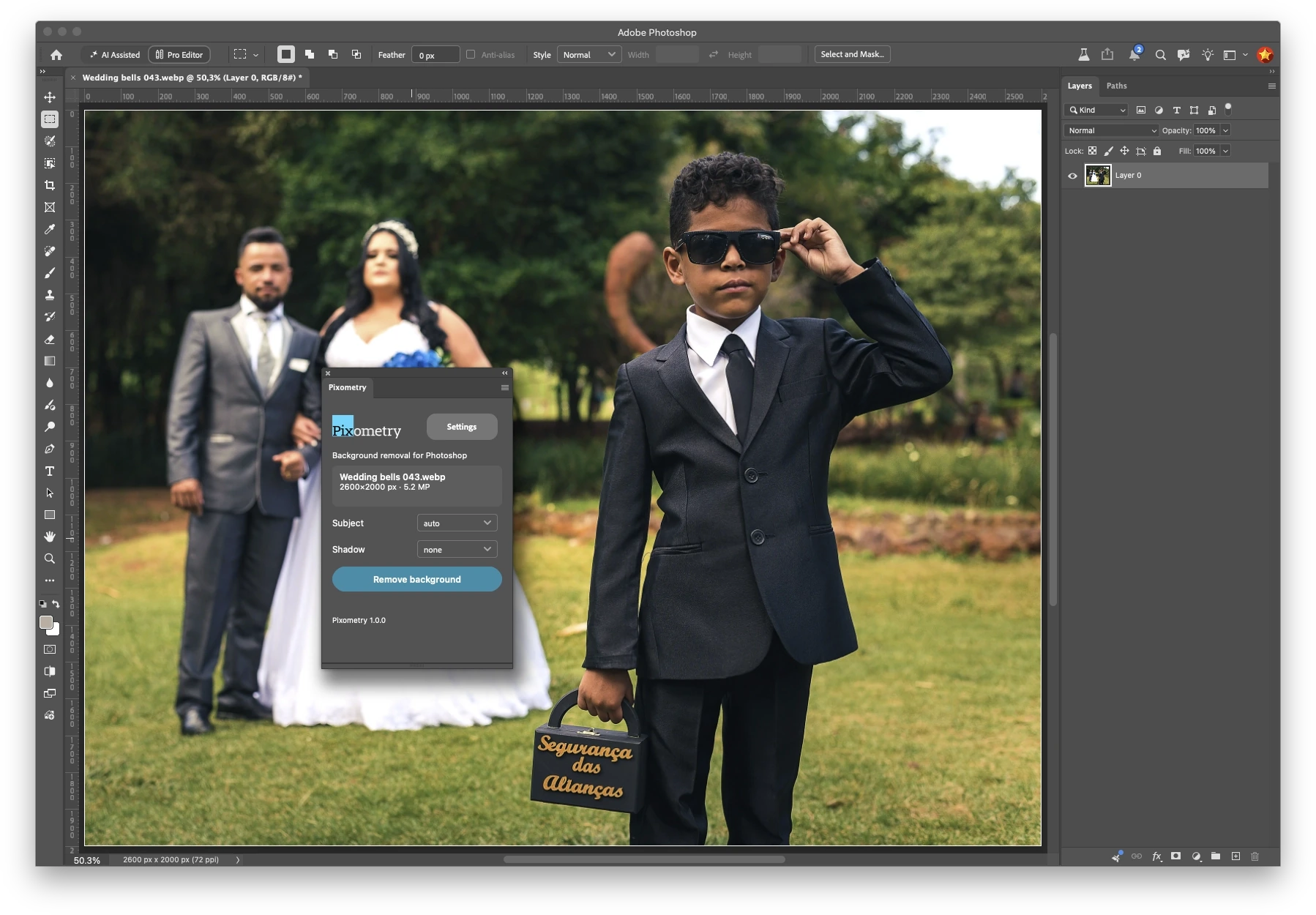
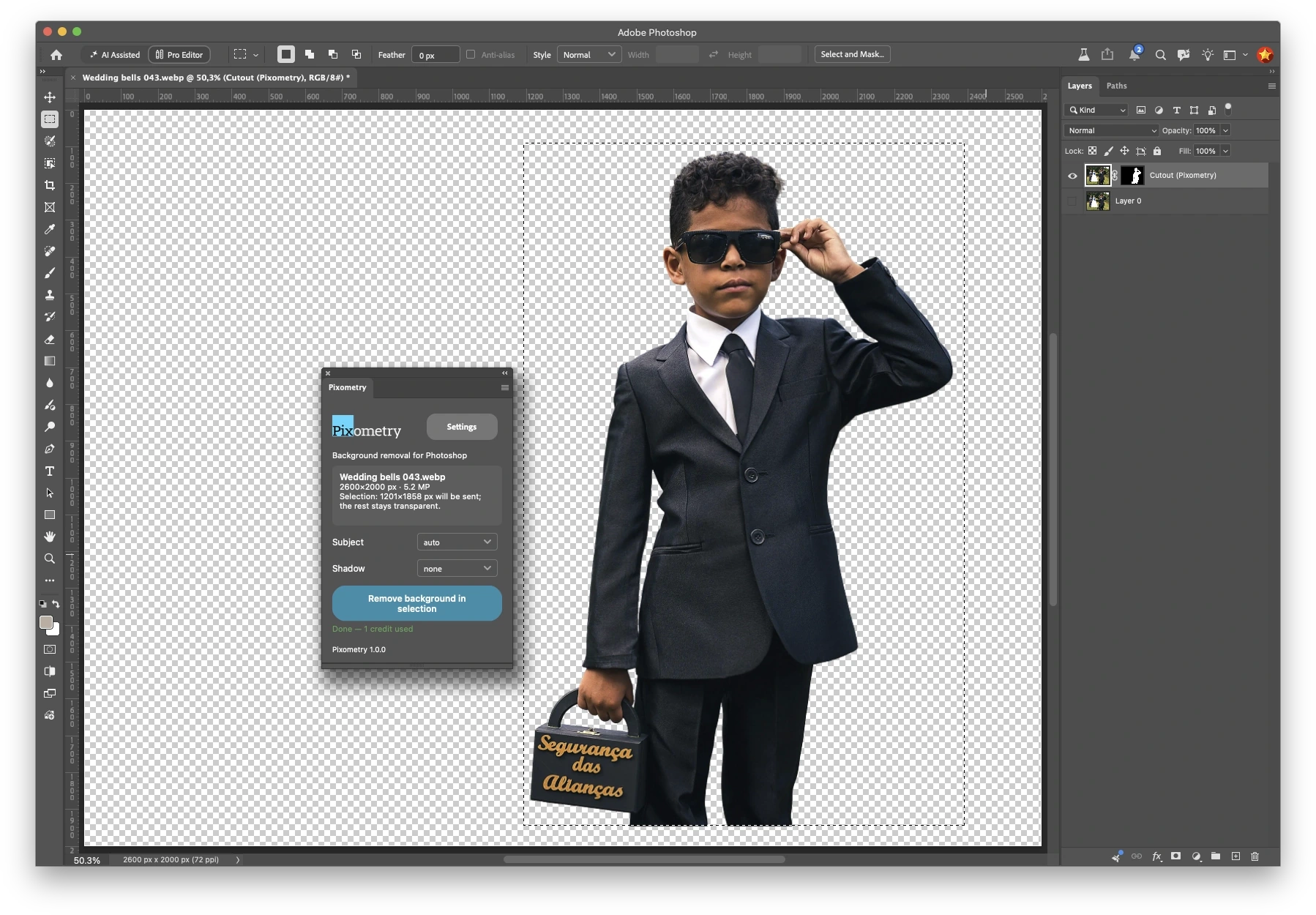
Pixometry's Photoshop plugin runs on the same remove.bg engine. Click once and the cutout comes back as a new layer, in seconds.
Available now on Adobe Exchange.

1 December 2026
What's changing
remove.bg is closing its standalone service, and its Photoshop plugin goes with it. Pixometry has used remove.bg in automated production workflows for years, so we built a plugin that keeps the same results inside Photoshop.
Same results. Same workflow.
The remove.bg engine you already trust
Not a lookalike. Hair, fur and fine edges come out the way you're used to.
The cutout lands as a new layer
Your original stays untouched underneath. No exporting, re-importing or relinking.
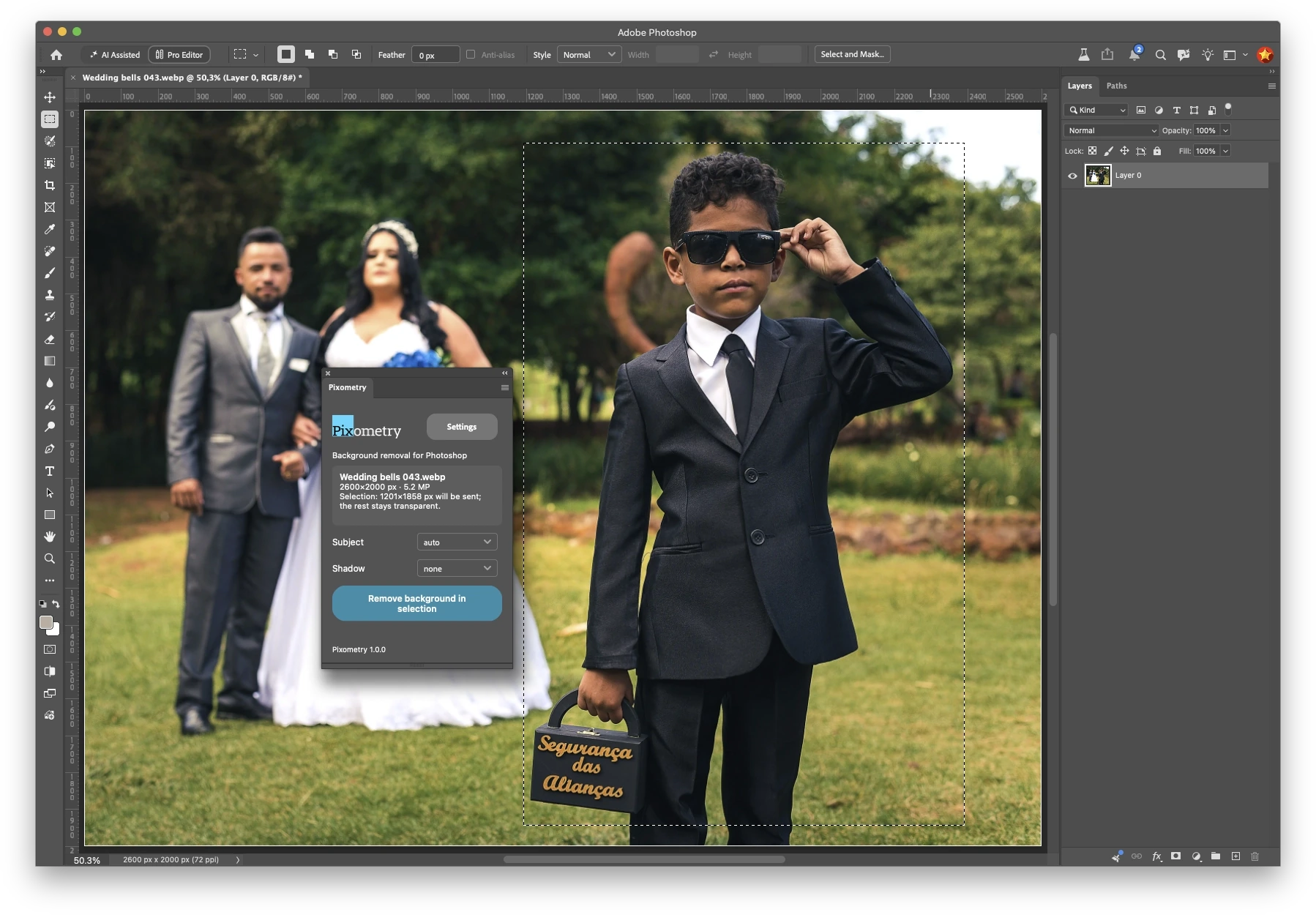
Selection, subject and shadow
Work on part of an image or all of it, with subject and shadow options right in the panel.
Works with your production files
PSD, TIFF, EPS, PNG, JPG and GIF, plus newer formats including AVIF, HEIC, JPEG 2000, JPEG XL and WebP.
Pixometry and remove.bg
We've run joint campaigns with remove.bg and process cutouts through its engine every day in our production workflows. You can read how we work together in the case study on remove.bg's own website.
A leading London-based international news publisher reports that 95–100% of its cutouts need no touch-up in Photoshop at all.
Read the case study on remove.bg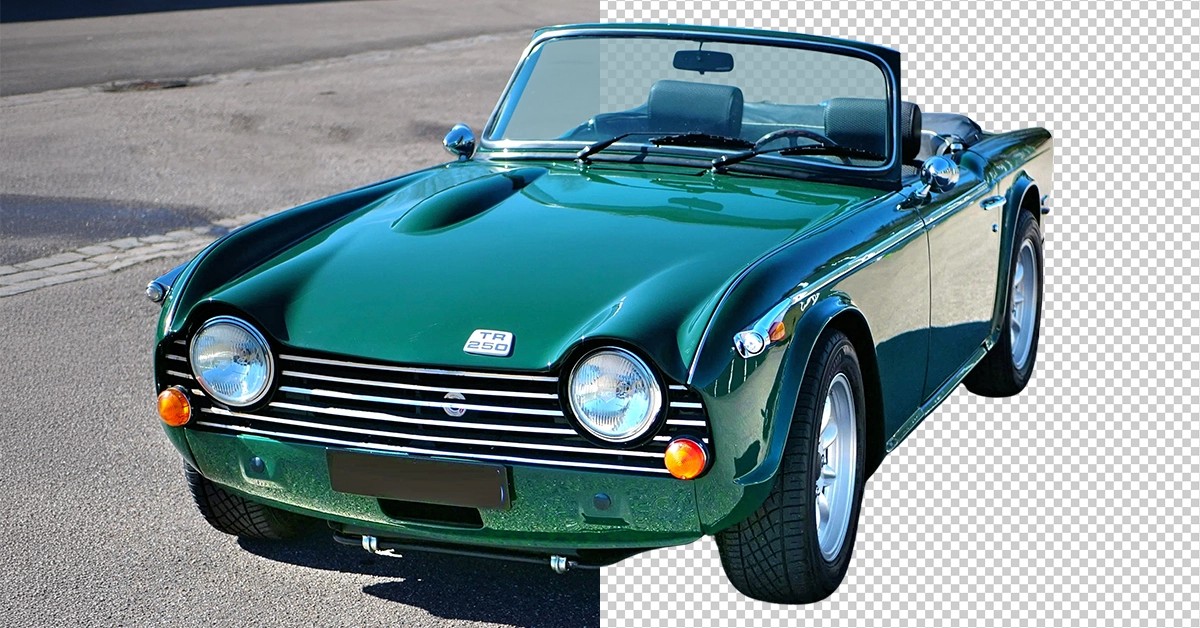
Switch in three steps
-
1
Create a Pixometry account
It's free, and comes with trial credits to start with.
Create your account -
2
Install the plugin
Get it from Adobe Exchange, then add the API key from your Pixometry account.
Open Adobe Exchange -
3
Remove the background
Remove the entire background in one click, or draw a selection first to work on just the area you need. Either way, the cutout appears as a new layer.
No toning subscription. No change to how you work.
You don't need to use Pixometry's image toning service. Your Pixometry account simply gives you the credits and an API key. The plugin passes each image to remove.bg and brings the cutout straight back into Photoshop.
Sign up, add your key, click. That's it.
One credit per cutout
Pay only for the images you process. Your 50 free trial credits cover your first 50 cutouts, so you can test it on your own work first.
- Price per credit
- From under 10¢*
- Free trial credits
- 50
*For reference only. Pricing varies by location and is shown based on where you're visiting from.
Questions from switchers
Is it the same quality as the remove.bg plugin?
Yes. Every cutout is made by the remove.bg engine, the same one the old plugin used.
Do I need to use Pixometry's toning service?
No. You need a Pixometry account for the credits, but the plugin works on its own.
What happens to my remove.bg credits or subscription?
Your remove.bg credits and subscription are managed by remove.bg, so you'll need to sort them out with remove.bg directly. Pixometry has no way of transferring them. remove.bg explains what happens in its FAQ.
Which versions of Photoshop are supported?
Photoshop 2023 and later.
Where are my images processed, and are they stored?
Your images are processed by remove.bg, exactly as they are today, in the EU. Pixometry only passes them through: nothing is stored in the Pixometry service.
Will this keep working?
Yes. The plugin runs on Pixometry's enterprise agreement with remove.bg, which is separate from the standalone service that's closing.
Can my whole team use it?
Yes. Generate an API key in your Pixometry account and use it across the whole team, or give individual departments or users their own key so you can see who uses what.
remove.bg's plugin stops working on 1 December.
Set up your replacement now and keep your Photoshop workflow exactly as it is.
Get the plugin